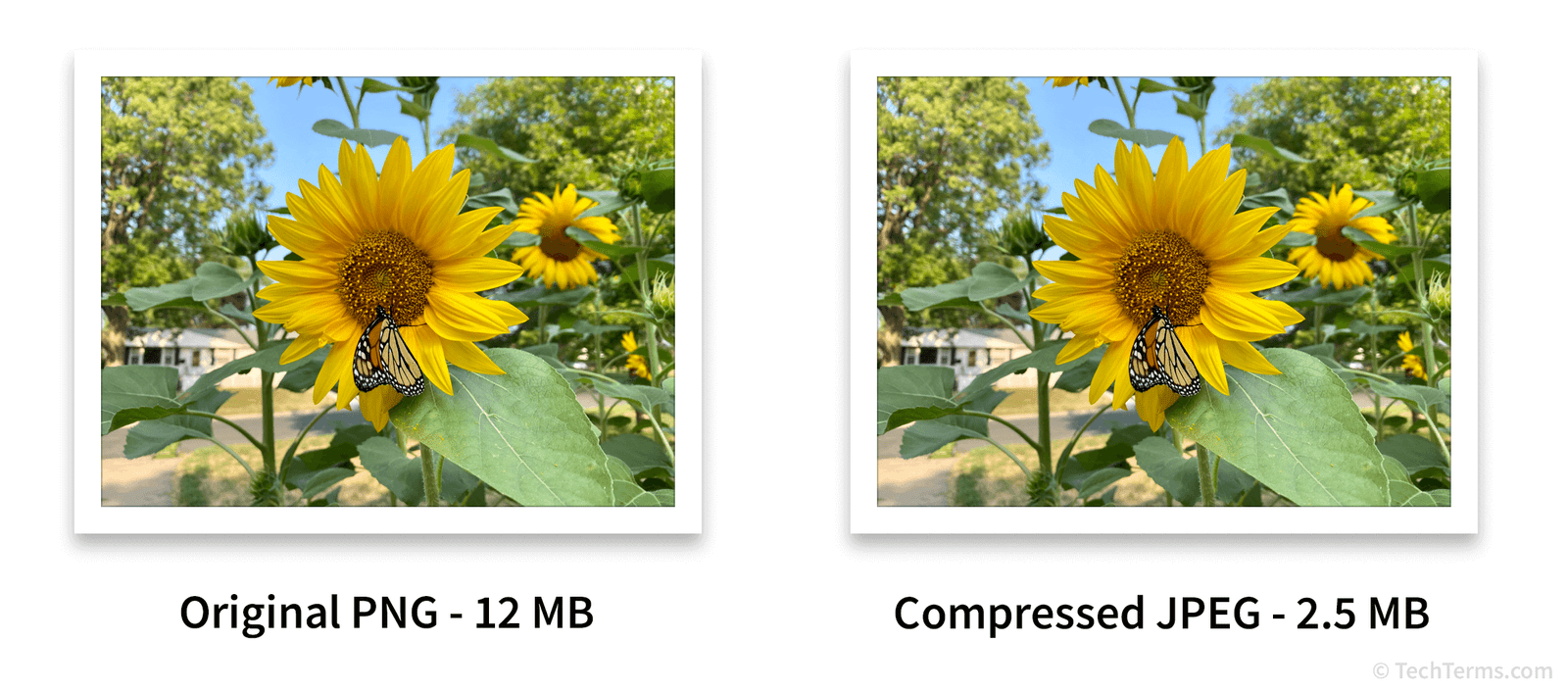

Behind every small PNG file lies a set of techniques that balance quality and compression. If you’ve ever wondered how tools shrink PNGs, here’s the ultimate guide.
1. Lossless Compression
- Preserves 100% of image quality.
- Reduces size by removing redundant data.
- Best for: Logos, graphics, medical or technical images.
2. Lossy Compression
- Sacrifices a small amount of quality for much smaller sizes.
- Best for: Websites, blogs, and e-commerce.
- Example: A 2 MB PNG can be reduced to 300 KB with minimal visual change.
3. Quantization
- Reduces the number of colors in an image.
- Example: A PNG with 16 million colors can be optimized to 256 colors without noticeable difference.
4. Metadata Stripping
- PNGs often contain hidden metadata (camera details, editing history).
- Removing metadata can cut file size by 10–30%.
Pro Tip
Combine lossless compression + metadata stripping for maximum efficiency.
Conclusion
Compression isn’t just clicking “Save for Web”—it’s an art. By applying these techniques, you’ll have smaller, faster, SEO-friendly PNGs.
👉 Compress your PNGs online now with ShrinkPNGSize.com!