
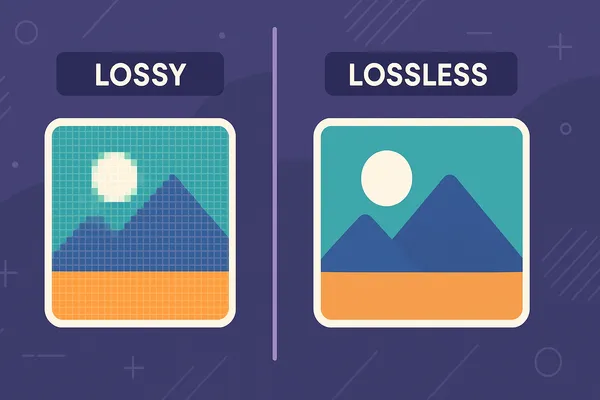

When optimizing PNG images, you’ll often hear about lossless vs. lossy compression. But what do these terms mean, and which one should you use? Let’s break it down.
What is Lossless PNG Compression?
- Retains 100% image quality.
- Reduces file size by removing unnecessary data (metadata, color palettes).
- Perfect for logos, icons, and graphics with sharp edges.
What is Lossy PNG Compression?
- Slight quality reduction (often invisible to the human eye).
- Much smaller file sizes compared to lossless.
- Great for photographs, web banners, and social media graphics.
Pros and Cons of Each
| Feature | Lossless Compression | Lossy Compression |
|---|---|---|
| Quality | 100% preserved | Slight reduction |
| File Size Reduction | Moderate | Significant |
| Best For | Logos, charts, text | Photos, web images |
Which Should You Choose?
- For brand assets → Always use lossless.
- For web images → Use lossy for faster site loading.
- Hybrid approach → Test both and choose based on balance between quality & performance.
Conclusion
Both lossless and lossy PNG compression play vital roles in image optimization. Use ShrinkPNGSize.com to experiment with both methods and find the perfect balance for your needs.